
Practical corporate digital signage ideas for offices and lobbies: welcome screens, directories, meeting room displays and staff communication, plus what to plan before installing.
Corporate digital signage in an office turns walls and lobbies into a channel that staff and visitors actually read. Notice boards and printed posters go stale within days, while a screen can show the right message at the right time without anyone changing paper. This guide covers practical ideas for offices and reception areas, and what to plan before you install.
It is written for facilities managers, office managers and marketing teams who want to know where screens add value and where they do not.
What Corporate Digital Signage Does Well
Screens in an office work best when they replace something people already look for: a reception welcome, a room schedule, a directory or a notice. The goal is to save time and give a clear first impression, not to fill every wall with video.
Most corporate setups use the same core parts as any digital signage solution: commercial displays, a media player, content software and reliable support.
Lobby and Reception Ideas
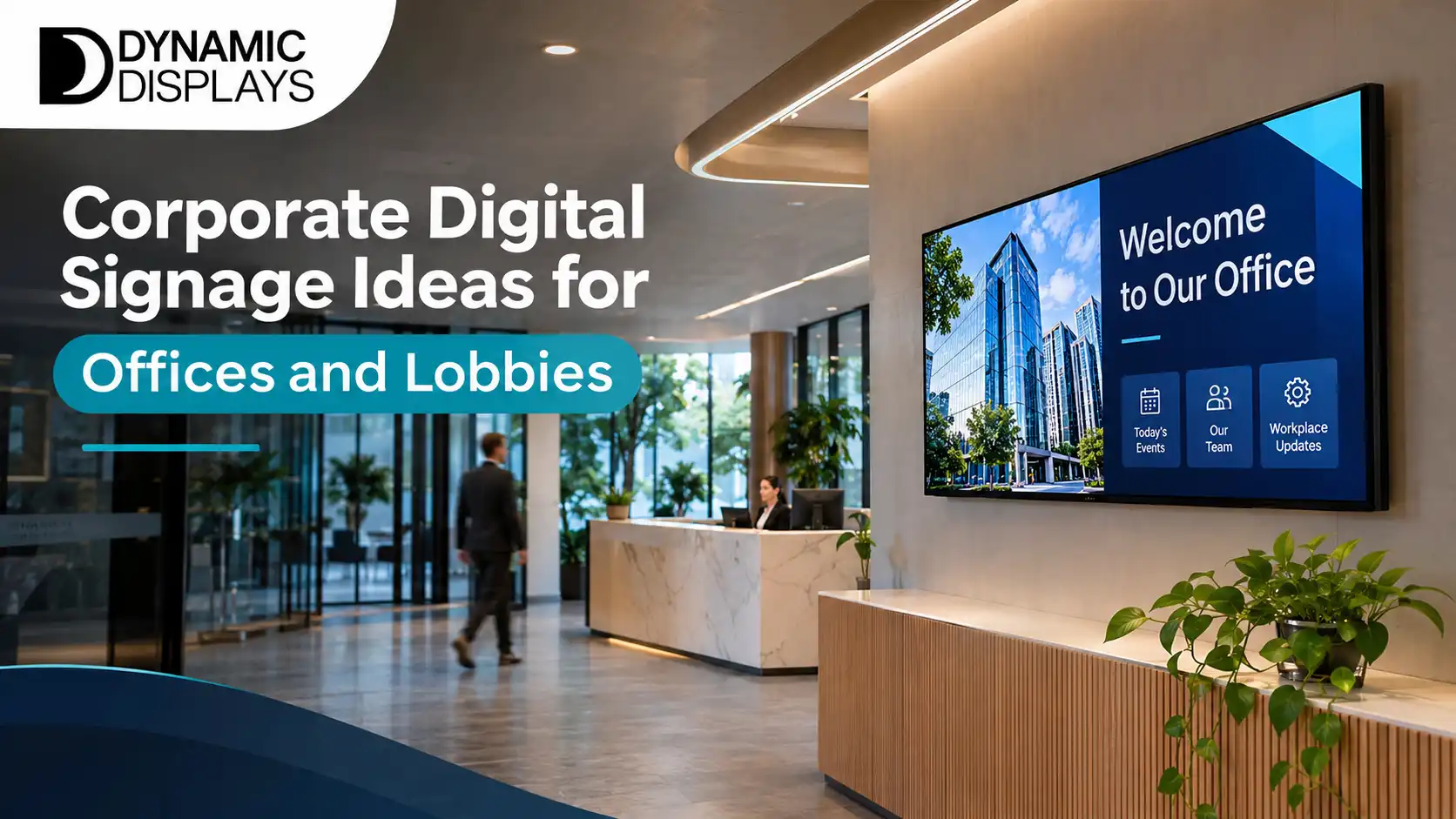
The lobby is the first thing a visitor sees, so it carries the most weight. A single screen can do several jobs across the day.
- A welcome message with the visitor's name or company, set before arrival.
- Your brand story in short loops of images and text.
- Today's events, tenants or meetings, so visitors know they are in the right place.
- Health and safety notices that need to stay current.
Keep the text large and the loop short. A visitor waiting for a few minutes will read a few slides, not a long presentation.
Digital Directories and Wayfinding
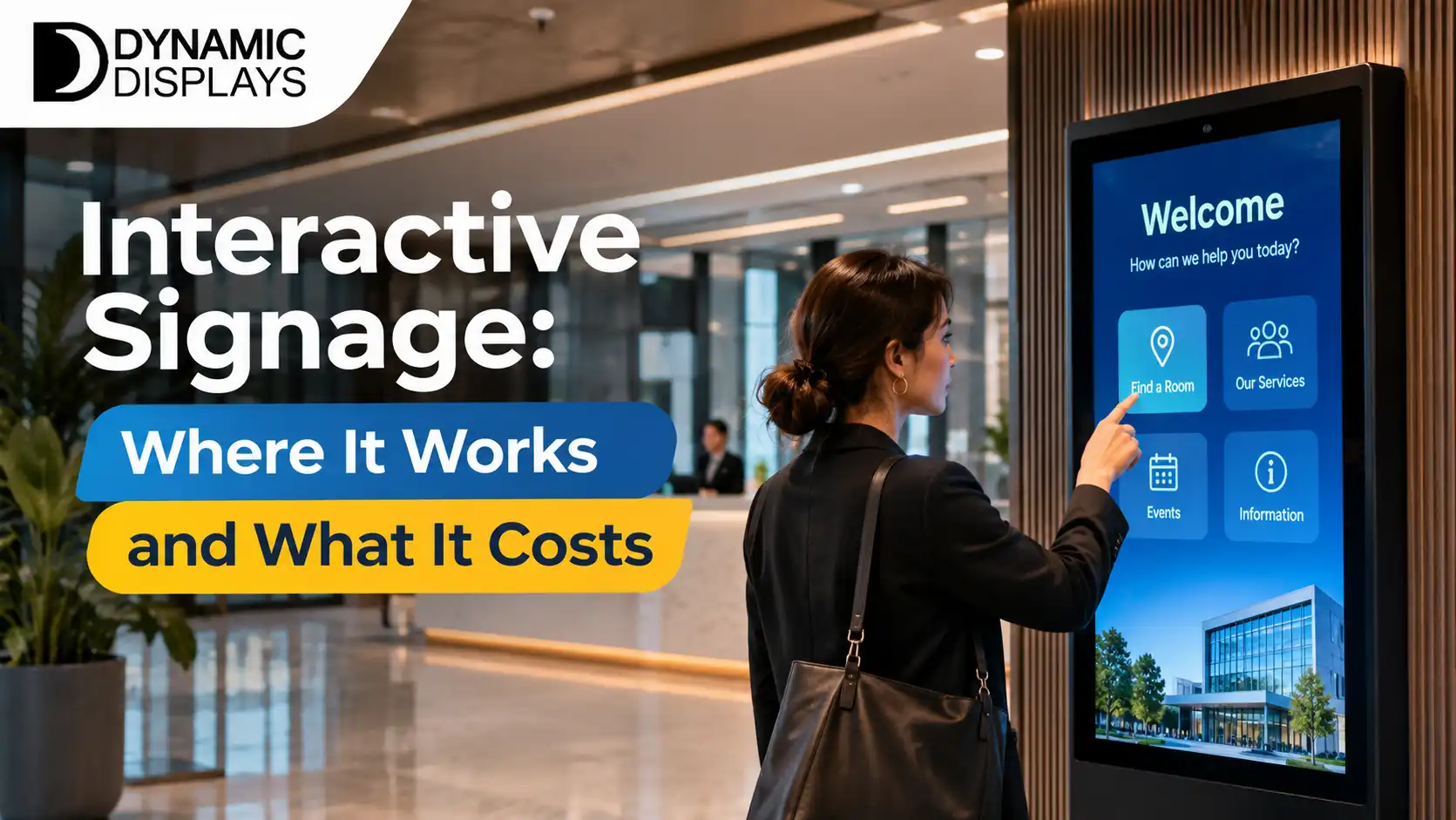
Multi-tenant buildings and larger offices lose time when visitors cannot find the right floor or suite. A digital directory is easy to update when tenants change, which a printed board is not. A touch screen can add search and maps for larger sites, and our interactive smart boards are one option for this kind of use.
Meeting Room Displays
A screen outside each meeting room that shows the room name, the current booking and the next one removes the common problem of double-booked rooms. It also stops people walking in on meetings. See our meeting rooms page for how these setups work.
Internal Communication Screens
Break rooms and corridors suit short staff messages: announcements, new starters, safety reminders, project milestones and recognition. The rule is to keep content fresh and short. If staff see the same slide for a month, they stop looking.
Agree who owns the content before you buy. A screen without an owner turns into a notice board nobody updates.
Ideas for Shared Spaces and Showrooms
Offices with a showroom or client area can show case studies, product visuals or project photos. A video wall or a large display suits a feature wall behind reception. For larger formats, see our LED screens and video walls.
Choosing Displays for Offices
For all-day use choose commercial displays, which are built for long hours and carry matching warranties. Our commercial displays page lists the types we supply. Match the size to the viewing distance, and think about glare from windows in lobbies.
Planning the Install
Good planning avoids most problems:
- Walk the site and list where people pause or wait.
- Check wall type, power and network points at each location.
- Decide who will manage content and how often.
- Plan mounts and cabling so they look tidy.
- Start with one or two screens and expand.
Our digital signage installation service covers the survey, mounting and set-up.
Privacy and Data
If screens include cameras, visitor check-in or sensors, ask how data is stored and used and how this fits with the New Zealand Privacy Act. A screen that only shows scheduled content does not raise this concern.
Final Thoughts
The best corporate screens save people time. A clear lobby welcome, a directory and meeting room displays are good places to start, and internal communication screens follow once someone owns the content.
To plan screens for your office, contact Dynamic Displays and we will advise on sizes, placement and installation. You can also explore our indoor signage options.
Read more: Digital Signage Solutions for Business: A Plain Guide
Read more: Digital Signage Companies NZ: How to Choose the Right One