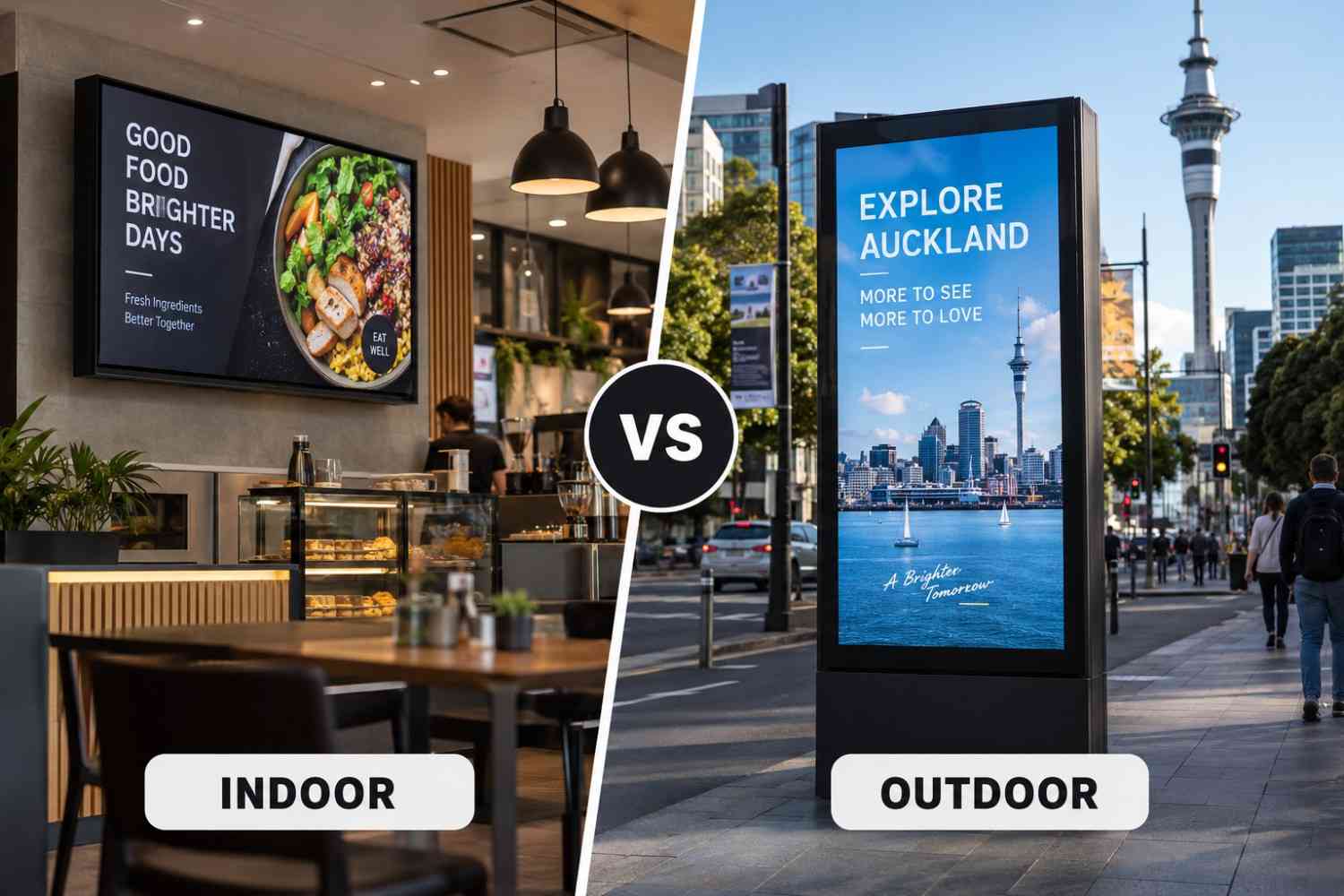

A plain guide to digital signage solutions for business: what the parts are, how to choose hardware and software, and how a small business can start.
Digital signage solutions for business can look complicated from the outside, because suppliers describe them using a mix of hardware and software terms. In practice, a solution is a small number of parts that work together to put the right content on the right screen at the right time. This guide explains those parts in plain language so you can plan a system that fits your business and budget.
It is written for owners and managers who are comparing options, not for IT specialists. If you want the buying side of the decision, our guide to choosing a digital signage company is a good companion.
What a Digital Signage Solution Includes
A complete solution has six layers. Most suppliers sell them as a package, but it helps to know what each one does.
- Display: the screen that shows the content.
- Media player: the small computer that sends content to the screen, sometimes built into the display.
- Software (CMS): the tool where you upload content and set schedules.
- Network: the internet or local connection that delivers updates.
- Content: the images, video, menus and messages that appear.
- Support: installation, monitoring and repairs.
If any one layer is weak, the whole system suffers. A great screen with no easy way to update content gets ignored, and great software on a poor display looks unprofessional.
Choosing the Display
For business use, choose commercial displays. They are built to run for long hours, handle heat better and come with warranties that cover that use. Consumer TVs are cheaper but are not made for all-day operation in public areas.
Pick the size and brightness based on where the screen will sit and how far away people will view it. Our commercial displays page lists the types we supply, and larger setups may use LED screens and video walls.
Choosing the Software
The software decides how easy the system is to live with. Look for a simple editor, templates, scheduling by day and time, and the ability to manage several screens from one place. For small businesses, ease of use matters more than a long feature list.
Ask these questions before you commit:
- Can staff update content without training from the supplier?
- Does it keep playing if the internet drops?
- How does pricing change when you add screens?
- Can you export your content if you leave?
Content Is the Real Work
Screens only help when the content is useful. Keep messages short, readable from a distance and relevant to the moment. A menu board should show what is available now, and a lobby screen should show what visitors need to know.
Plan who will keep content fresh. A screen showing last month's offer does more harm than no screen. Many businesses start with a small set of templates and update them weekly.
Starting Small as a Small Business
You do not need a large network to begin. A small business can start with one or two screens in the highest-traffic spot, such as the window, the counter or the waiting area, and expand once it is clear what works.
A simple starter plan:
- Choose one location and one goal, such as promoting a product or showing a menu.
- Install one commercial display with a media player.
- Use templates to build three to five slides.
- Review after a month and adjust the content.
- Add screens only when the first one is earning its place.
See our digital signage installation service for how installs are handled from survey to handover.
Installation, Safety and Compliance
Good installation matters as much as the screen. In New Zealand, wall mounts should be fitted to suit the wall type and allow for seismic movement, and cabling should be tidy and safe. Outdoor screens need weather protection and may need council consent.
If your screens include cameras or sensors, check how data is collected and stored and how this fits with the Privacy Act. Screens that only play scheduled content do not raise this issue.
Total Cost to Plan For
Budget for the whole system, not only the screen. A realistic plan covers the display and player, mounting and installation, software subscription, content creation and support. Ask for itemised quotes so you can compare suppliers fairly.
Scaling Up in Phases
Once the first screen works, grow in phases. Add screens in the next most useful spots, standardise your templates and consider a managed service if staff time becomes a limit. Phasing spreads the cost and lets you learn as you go.
Final Thoughts
The right solution is the simplest one that does the job: a commercial display, easy software, clear content and reliable support. Start with one goal, prove it works and expand from there.
To talk through your site, contact Dynamic Displays or explore our signage solutions and digital signage NZ range.
Read more: Affordable Digital Signage Solutions for Small Businesses in Auckland
Read more: How Signage Systems Work and Why They Matter