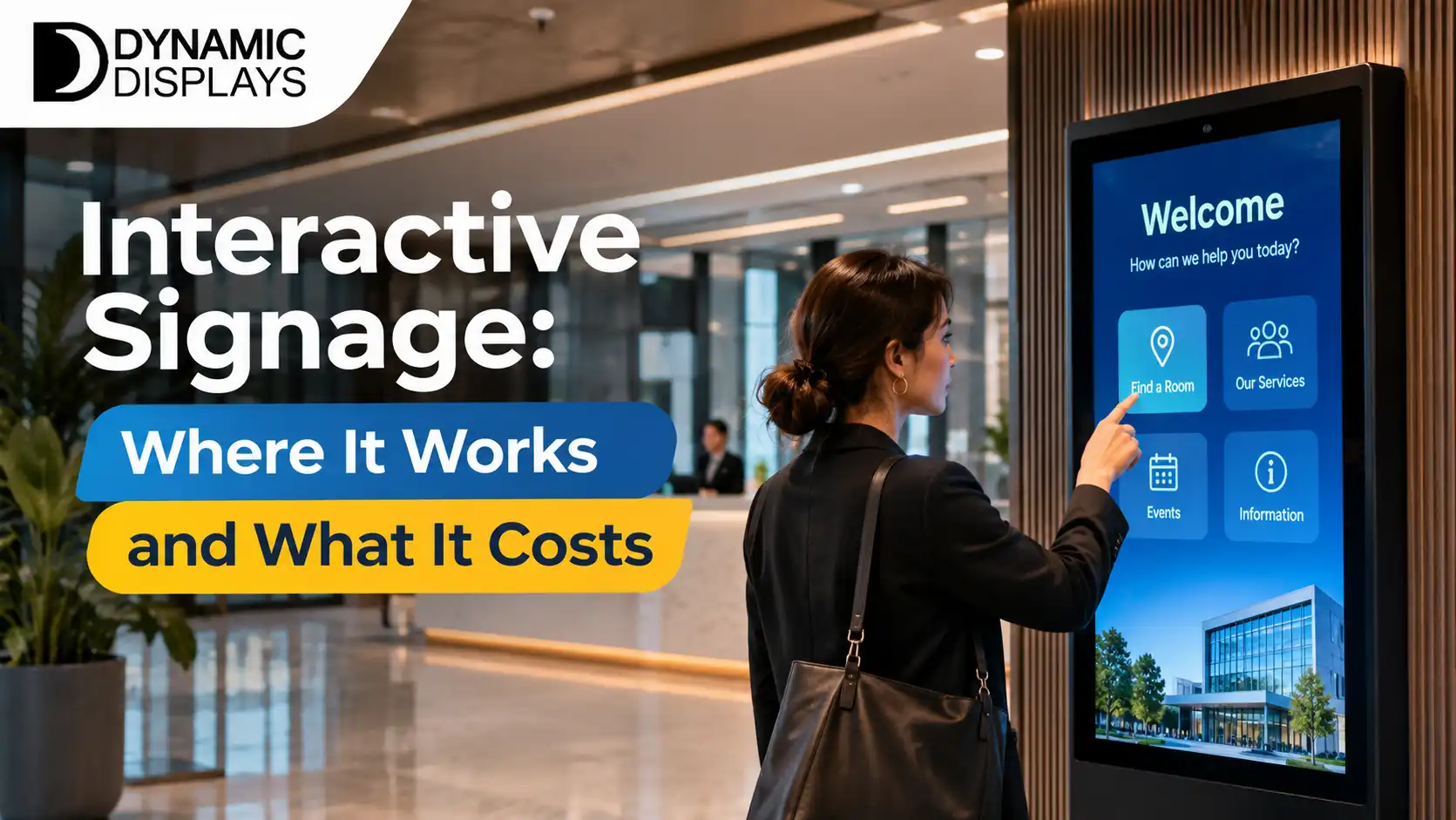
A plain guide to interactive signage: where touch screens work, where they do not, what affects the cost and how to plan a first install.
Interactive signage lets people touch, search and choose instead of only watching a screen. It works well where visitors need answers or want to browse, and poorly where a simple loop would do. This guide explains where interactive signage earns its place, what affects the cost and how to plan a first install.
What Interactive Signage Is
Interactive signage is a display that responds to touch or other input. It can be a large touch panel on a wall, a floor-standing kiosk or a tablet-sized screen at a counter. Software controls what appears, from menus and maps to product catalogues and forms.
Our interactive smart boards show the kind of hardware used for meeting rooms, classrooms and public areas.
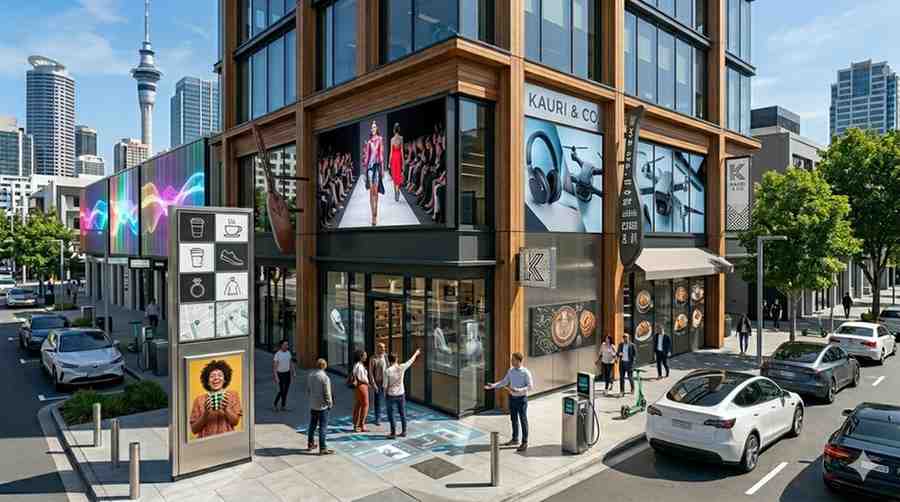
Where Interactive Signage Works
Retail: browse products that are not on the shelf, check sizes and compare options.
Hospitality: self-order screens and table menus that reduce queues.
Offices and buildings: directories, wayfinding and visitor check-in.
Education and training: touch boards for teaching, workshops and presentations.
Public venues: event information, maps and services in libraries, museums and council spaces.
Where It Does Not Work
Interactive screens need people who stop and engage. In a busy corridor where people walk past, a standard display will do more. A touch screen also needs regular cleaning and a clear reason to be touched.
What Affects the Cost
The price depends on several choices, and it helps to ask for them to be itemised:
- Screen size and touch technology.
- Whether it is a wall panel, a kiosk or a stand.
- The software and any custom content or forms.
- Installation, mounting and power or network points.
- Warranty, support and software licences.
Software is often the largest ongoing cost, so compare licence terms as well as hardware.
Hardware Choices
Commercial touch displays are built for long hours and public use. Consumer devices are cheaper but wear faster in busy locations. See our commercial displays for the options we supply. For public areas, ask about tempered glass, anti-glare finishes and how the screen handles fingerprints.
Designing for People
Keep the first screen simple, with large buttons and few steps. If most users cannot find what they want in under a minute, simplify the layout. Use plain words and clear icons, and provide a way back to the start at every step.
Accessibility
Position screens at a height that works for wheelchair users and for people of different heights. Use good contrast and readable type. Consider audio or alternative options for people who cannot use touch.
Hygiene and Upkeep
Shared touch screens should be easy to wipe, and staff should clean them on a schedule. Choose a surface that handles standard cleaning products without damage.
Planning Your First Install
- Define the one job the screen must do.
- Pick a spot where people already pause.
- Choose a display and software that fit that job.
- Test with a few real users before rolling out more.
- Track how many people use it and what they do.
Our digital signage installation service covers the survey, mounting and setup.
Final Thoughts
Interactive signage pays off where people need help or want to explore. Start with one clear job, keep the interface simple and plan for upkeep.
To talk through an interactive screen for your site, contact Dynamic Displays or browse our signage solutions.
Read more: Digital Signage Solutions for Business: A Plain Guide
Read more: How Interactive Display Boards Enhance Customer Experience