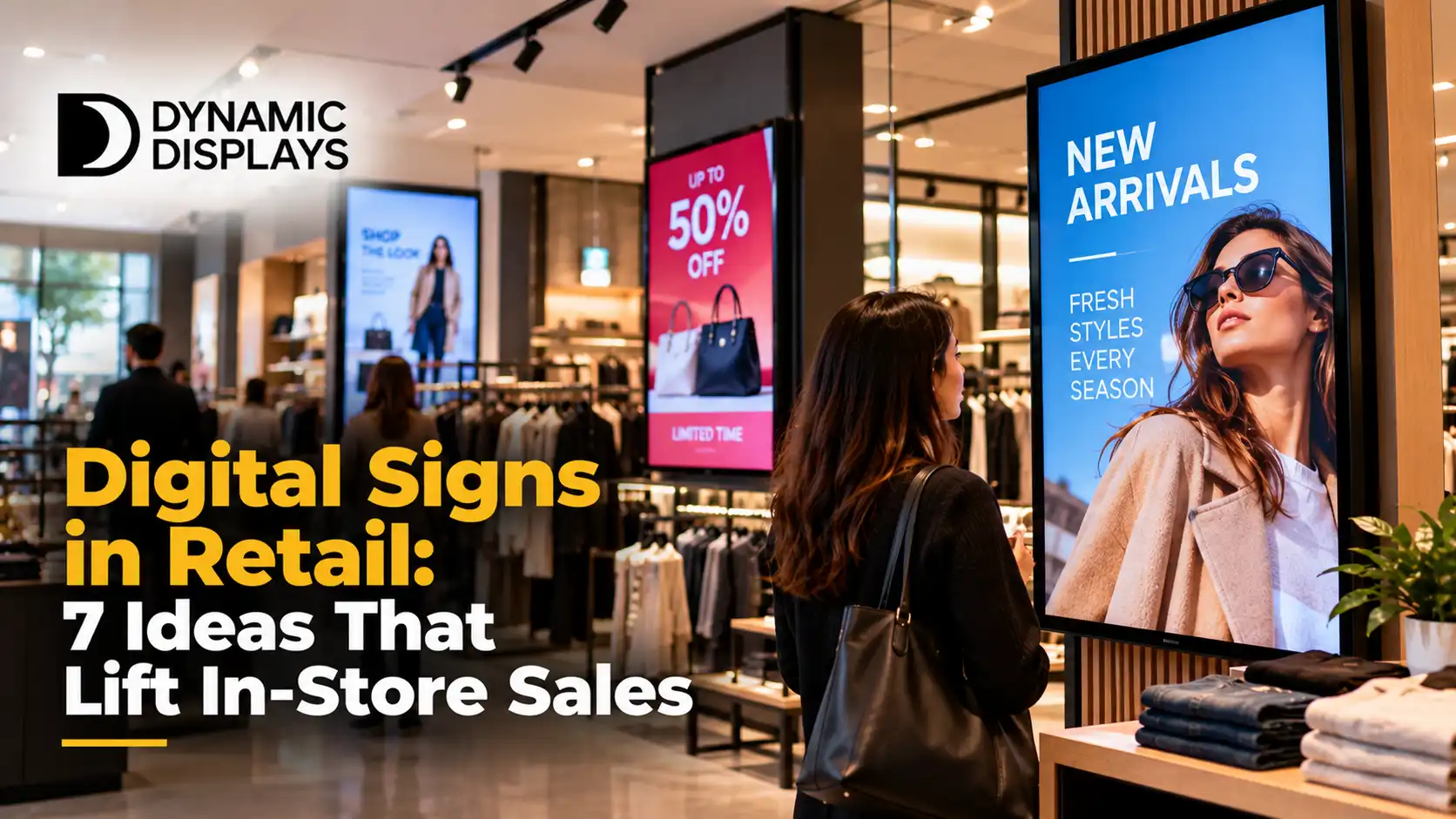
Seven practical ways retailers use digital signs and screens to catch attention, guide choices and support sales, plus how to measure what works.
Digital signs in retail work best when each screen has one clear job: stop a passer-by, answer a question or nudge a decision. Screens that simply loop a generic brand video rarely earn their place. This guide gives seven ideas that fit most stores, with notes on where to put the screen and how to tell whether it is working.
The ideas suit independent shops as much as larger chains. If you are still choosing hardware, see our guide to retail digital signage solutions in Auckland.
1. Window Displays That Change With the Day
A window is your first sales pitch, and a printed poster cannot change when your store does. Digital window display screens let you show morning offers, lunchtime specials or evening promotions without swapping materials. Bright, high-contrast screens are needed for windows that catch sun, so check brightness before buying.
Keep window content short: one product, one offer, one reason to come in.
2. Promotions at the Point of Decision
Place screens where shoppers are choosing, such as beside a category or above a product display. A short loop showing the offer, key benefit and price helps shoppers who would otherwise leave to compare. Our digital advertising screens are suited to this kind of in-aisle use.
Update promotions when the offer ends so signs never contradict shelf prices.
3. Endcap and Feature Screens
Endcaps are valuable space. A screen here can show a product in use, a seasonal range or a short demonstration, which a static sign cannot. Use motion sparingly: a few seconds of movement draws the eye, while constant motion becomes background.
4. Queue and Checkout Screens
Customers waiting in line are paying attention to what is in front of them. Use checkout screens for add-on offers, loyalty sign-up prompts or new arrivals. Keep messages light and easy to read from a few metres away, so the screen helps the wait pass rather than adding clutter.
5. Touch Screens for Extended Range
Interactive displays let shoppers browse items you do not hold on the shelf, check sizes or compare options. They work well in stores with limited floor space or a wide catalogue. See our interactive smart boards for the kind of hardware used.
Make the first screen simple, with large buttons and few steps. A touch screen that takes more than a minute to use will be ignored.
6. Content That Responds to Time and Weather
Retail signs can follow context: cold drinks when it is hot, umbrellas when it rains, breakfast items in the morning. Schedules can be set in advance by day and time, and some systems can respond to live data. This keeps content relevant without constant manual changes.
7. New Arrivals and Social Proof
Use a screen to show new products, best sellers or customer photos and reviews you have permission to share. Seeing what other people choose helps new customers feel confident. Make sure any reviews are real and current, and keep the format simple.
Choosing the Right Screen Type
|
Idea |
Suggested screen |
Placement |
|
Window displays |
High-brightness display or LED |
Facing the street |
|
Point-of-decision promotions |
Wall or shelf-edge display |
Beside the product |
|
Endcap features |
Portrait or landscape display |
Aisle end |
|
Checkout screens |
Small display |
At the queue |
|
Touch browsing |
Interactive screen |
Open floor space |
For larger stores or feature walls, consider commercial displays or LED video walls.
How to Measure Whether It Works
Pick one measure per screen before you start. For a promotion screen, compare sales of the featured product with the same weeks before the screen went up. For a window screen, count door entries at similar times of day. For a touch screen, track how many people complete a search.
Change one thing at a time so you know what caused any difference. After a month, keep what works and retire what does not.
Common Mistakes to Avoid
- Too much text for a viewer walking past.
- Content that is not updated when offers end.
- Screens placed where nobody pauses.
- Low-brightness screens in sunny windows.
- Looping the same video for months.
Final Thoughts
Start with one screen and one job. A window display or a point-of-decision promotion is usually the quickest to set up and the easiest to measure. Once you see results, add the next idea.
To plan screens for your store, contact Dynamic Displays and we will advise on sizes, placement and installation. You can also see our indoor signage options.
Read more: Best Digital Signage Auckland Solutions for Retail Businesses
Read more: Turn Screens into Sales Machines with Smart Signage Systems