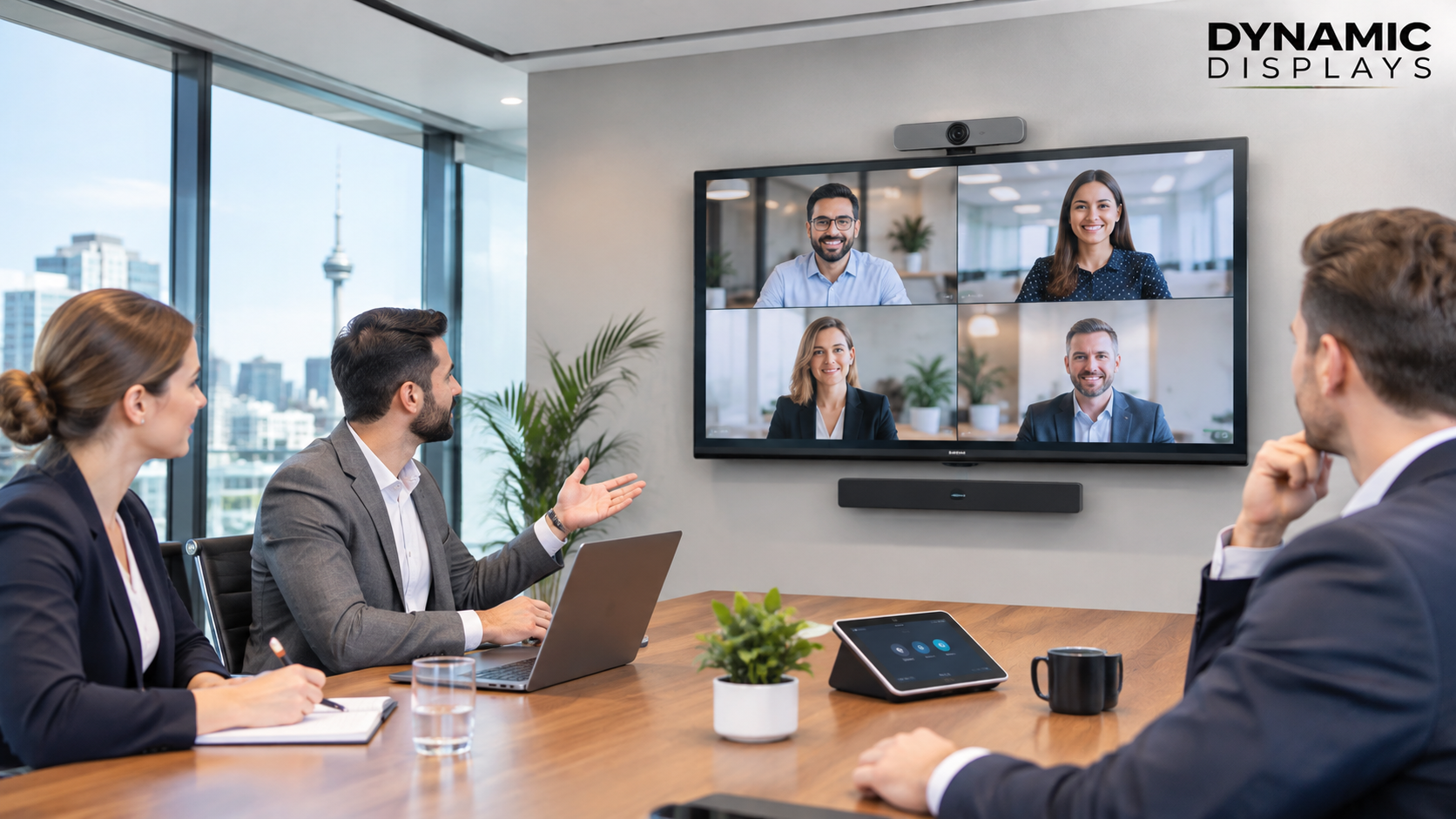
Video Conferencing Solutions NZ
Video conferencing solutions for NZ businesses work best when the camera, microphones, speakers, screen and software are chosen as one system for the room. A mismatched setup is the usual reason a meeting room feels awkward: people at the far end cannot hear the quiet speaker, or the camera only shows half the table. Dynamic Displays supplies and installs video conferencing systems for meeting rooms, boardrooms and training spaces across Wellington, Auckland and the rest of New Zealand.
This page explains what a complete setup includes, how to match it to room size, and what to check before you buy. If you are still deciding how the room will be used, start with our meeting room displays page and come back here for the conferencing side.
What Video Conferencing Solutions Include
A working system is more than a camera on top of a screen. Each part has a job, and a weak part drags down the rest.
- A display or video wall that shows remote participants and shared content at a readable size.
- A camera that frames the people in the room, with wide-angle or auto-framing options for larger tables.
- Microphones and speakers placed so every seat is heard and echo is controlled.
- A room controller or tablet that starts a meeting with one touch.
- Cabling, mounting and network connections that are tidy and tested.
The software side matters too. Most rooms run Microsoft Teams, Zoom or Google Meet, and the hardware should be certified for the platform your team already uses. Our team checks this before quoting so you do not buy equipment that fights your existing accounts.
Matching the System to Room Size
The same kit does not suit a four-seat huddle space and a twenty-seat boardroom. Room size, table shape and ceiling height all affect which camera and audio products make sense.
|
Room type |
Typical setup |
What to watch |
|
Huddle room (2 to 4 people) |
All-in-one video bar below a single display |
Camera angle when people sit close to the screen |
|
Small meeting room (5 to 8 people) |
Video bar or camera with table microphone, one or two displays |
Echo from glass and hard walls |
|
Boardroom (10 to 20 people) |
PTZ or auto-framing camera, ceiling or table microphones, separate speakers, dual displays |
Audio pickup from far seats and clear sight lines |
|
Training or large room |
Multiple cameras, ceiling microphones, large display or LED video wall |
Presenter tracking and content sharing |
For larger rooms, a bigger screen often does more for the meeting than a better camera. People at the back need to read shared documents, so display size and viewing distance deserve as much attention as the conferencing hardware.
Video Conferencing Hardware and Brands
We work with established commercial brands rather than consumer webcams. Depending on the room and platform, that can include Logitech video bars and room kits, Crestron control and Teams or Zoom room systems, and professional ceiling and table microphones. Product availability and models change, so we confirm the current range when we quote.
Commercial hardware costs more than a retail webcam, but it is built to run every working day and comes with support channels that consumer products lack. Pairing it with a commercial display gives the same benefit on the screen side.
Portable Video Conferencing Systems
Not every space needs a fixed install. A portable video conferencing system on a trolley or stand lets one set of equipment serve several rooms, a training suite or a temporary project office. It suits sites where wall mounting is not possible or where the room has several uses.
The trade-off is setup time and cable management on each use. We can advise whether a mobile unit or a fixed installation makes better sense for how often the room is used. For events or short projects, see also our TV screen hire service.
Installation and Support Across New Zealand
Good conferencing depends on installation quality as much as on product choice. Camera position, microphone placement, speaker location and cable routes all affect results. Our team surveys the room, agrees the layout with you, installs the equipment and tests a live call before handover.
Dynamic Displays is based in Upper Hutt and works with clients across Wellington and Auckland, with projects quoted elsewhere in New Zealand after a site conversation. Our installation service covers mounting, cabling and commissioning for screens, and the same approach applies to conferencing rooms.
How to Choose the Right Video Conferencing Setup
- Note how many people use the room and how often the room is booked.
- Confirm which meeting platform your team uses.
- Measure the room and note glass, ceiling height and background noise.
- Decide whether you need content sharing, recording or dual screens.
- Ask for a written quote that separates hardware, installation and support.
Rooms that combine conferencing with other displays can also use meeting room booking displays at the door, so staff can see whether a room is free before they walk in.
Request a Quote for Your Meeting Room
Tell us the room size, the platform you use and what is not working today, and we will recommend a system that fits. To plan your setup, contact Dynamic Displays for a site visit and itemised quote. You can also read about our full range of signage and display solutions or learn more about our team.
Frequently Asked Questions
What are video conferencing solutions for business?
They are complete systems of cameras, microphones, speakers, displays and control software that let people in a meeting room join video calls clearly. They are usually matched to a platform such as Microsoft Teams, Zoom or Google Meet.
What equipment do I need for a video conferencing room?
At minimum you need a display, a camera, microphones and speakers, plus a way to start the call. Larger rooms add ceiling microphones, auto-framing cameras and a second screen for shared content.
Can you install video conferencing systems outside Wellington?
Yes. We work with businesses across Wellington and Auckland and can quote for projects elsewhere in New Zealand after a site conversation.
Is a portable video conferencing system a good option?
It suits rooms that serve several purposes or sites where fixed mounting is not possible. Fixed systems are better for rooms used every day because setup is faster and cabling is hidden.
Will the equipment work with Teams or Zoom?
Most commercial systems are certified for one or more platforms. We check your platform before recommending hardware so the room starts meetings in one step.